

From Screens to Speech: Designing Natural Voice Interfaces for XR
Sean Keogh · 11 Jun 2025 · 3 min read
XR Integration Strategies
Adding the power of the Apple Vision Pro to natural voice interactions with GenAI is a breakthrough
In the evolving world of extended reality (XR), interaction design is no longer confined to buttons, swipes, or even gestures. As immersive environments grow more sophisticated, voice is rapidly becoming the most intuitive way to interact—natural, hands-free, and powerful. Nowhere is this more evident than in today’s most futuristic-feeling use case: talking to ChatGPT inside the Apple Vision Pro.
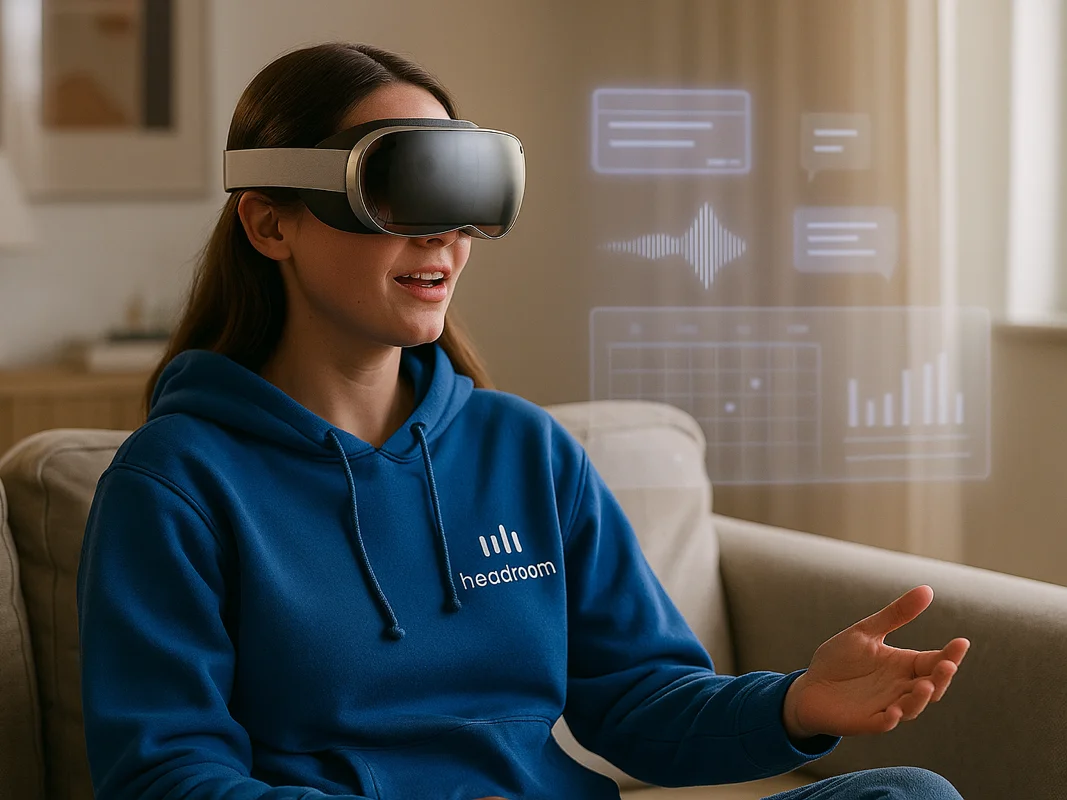
Imagine sitting at your kitchen table wearing Apple’s spatial headset. The world around you fades into a custom virtual workspace. You look into the void and say, “What’s on my calendar this afternoon?” or “Write a follow-up email to the client.” ChatGPT responds conversationally, instantly. You’re no longer tapping screens—you’re speaking directly to your machine. It’s as if HAL from 2001: A Space Odyssey turned helpful and fully operational.
Why Voice Interfaces Fit Perfectly in XR
Spatial computing isn’t about menus—it’s about experiences. Traditional UI elements clutter immersive environments. Voice, however, feels native. It allows users to navigate, inquire, and command without searching for buttons.
This is especially true when paired with AI. Vision Pro + ChatGPT is not just a productivity hack—it’s a new interface paradigm. One where language becomes the operating system.
The Psychology Behind It
Speech is hardwired into how we process and act on information. Unlike fiddly gestures or visual scanning, voice lets users stay immersed and mentally focused. Saying, “Summarize this presentation,” is faster and more fluid than navigating a UI tree.
How to Design for Voice in the Metaverse
To create compelling voice-driven XR experiences, designers should consider:
1. Contextual Awareness
Voice commands should align with what the user sees or needs. For example, in Vision Pro:
- While looking at a web page: “Summarize this.”
- In a project space: “Move this to the marketing folder.”
2. Conversational Clarity
People expect natural interaction. That means:
- Simple phrasing (“Explain this graph”).
- Clear feedback (“Got it—here’s the chart breakdown”).
- Polite nudges when misunderstood.
3. Multi-Modal Synergy
Voice works best when paired with gaze, gesture, or even spatial sound. You might look at an object and say, “Resize this,” then pinch to finalize.
From Voice Commands to AI Conversations
The magic happens when voice meets AI. ChatGPT running in Vision Pro isn’t a glorified search tool—it feels like a cognitive assistant. It learns your style, adapts to context, and even anticipates needs. That’s not just efficient—it’s sci-fi made real.
Voice, Privacy & Trust
As voice interfaces evolve, so must trust. Users need control: when voice is active, how data is handled, and how errors are corrected. Transparency builds confidence—and adoption.
Use Cases Emerging Now
Beyond Apple’s setup, voice in XR is accelerating across industries:
- Healthcare: Surgeons query info mid-simulation.
- Education: Students interact with AI tutors in immersive labs.
- Workspaces: Teams collaborate in shared XR rooms via verbal commands and AI prompts.
What’s Next
With spatial computing accelerating and AI copilots gaining traction, voice will soon be the most human way to command our digital world. Headroom sees this as a critical shift—from controlling machines to conversing with them. Whether guiding a team through training or co-creating ideas with an AI, voice in XR is more than tech—it’s the interface of a new era.
So go ahead: say something. The metaverse is listening.